← iPhone Wallpapers
Apple Watch 46mm WALLPAPERS
Apple Watch 46mm watch face wallpaper size — 416×496 px and how photos crop
The Apple Watch 46mm has a 416×496-pixel screen with a width-to-height ratio of about 0.84, nearly square. Used as a Photos watch face, a 9:16 phone wallpaper is enlarged to the width and loses 422px at the top and bottom (33% of the height). The time sits large in the middle or top of the face, so this page lists wallpapers with little tonal variation that work from their center alone, chosen by measurement.
155 wallpapers
How our wallpapers crop on this device
| Screen | Wallpaper size | Cropped |
|---|---|---|
| Apple Watch 46mm (416×496) | 1080×1920 | 316px top and bottom (33% of the height) |
| 1440×2560 | 422px top and bottom (33% of the height) | |
| 1242×2688 | 604px top and bottom (45% of the height) |
Open any wallpaper and use "See it on your device" to preview the exact crop for that image.
How to set a photo as the watch face
Save the image to your iPhone's Photos from the wallpaper page's "Download HD", then in the Watch app on iPhone open Face Gallery → Photos and add that photo. You can pinch to zoom and move the photo, so place the subject in the center. The time can be shown at the top or in the middle of the face.
Which wallpapers suit a watch face
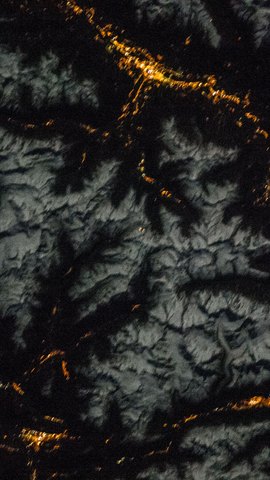
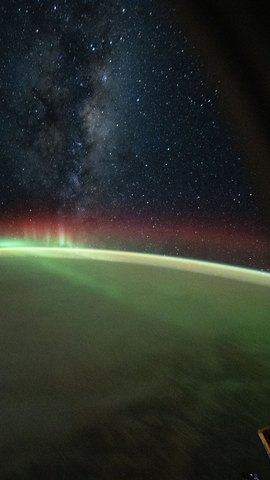
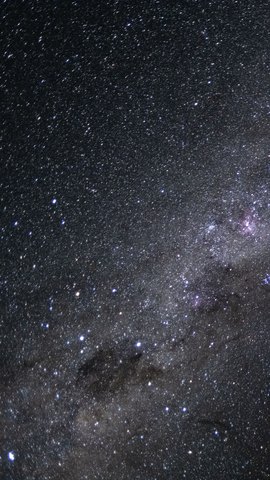
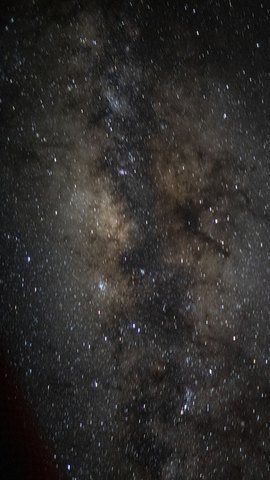
The screen is small and the digits are large, so fine patterns and complex scenery turn to mush. What works is a single subject on a calm background, a gradient, or a patch of a night scene — anything that holds up as a small square from its center. This list takes 9:16 wallpapers whose overall brightness varies little (a standard deviation under 45) and sorts them by darkest clock band first. A dark background pairs well with white digits and saves power on an always-on display.
Compared with other models
| Model | Screen (px) |
|---|---|
| Apple Watch Ultra 49mm | 422×514 |
| Apple Watch 46mm | 416×496 |
| Apple Watch 42mm | 374×446 |
Frequently asked questions
What image size does the Apple Watch 46mm watch face use?
The screen is 416×496 pixels. Any larger image is scaled down by the Watch app, so it will not look blurry — every wallpaper here (1080×1920 at minimum) is enough.
Can I use a phone wallpaper as an Apple Watch face?
Yes. The screen is nearly square, though, so a 9:16 wallpaper loses 422px at the top and bottom (33% of the height). Zoom and move the photo in the Watch app so the subject sits in the center.
Wallpapers that fit this device (selected by measurement)