← Android Wallpapers
Galaxy Z Flip8 WALLPAPERS
Galaxy Z Flip8 wallpaper size — inner 1080×2520, cover 948×1048, and how wallpapers crop
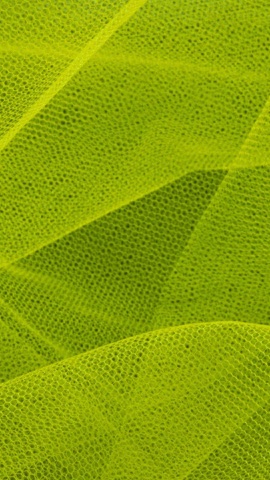
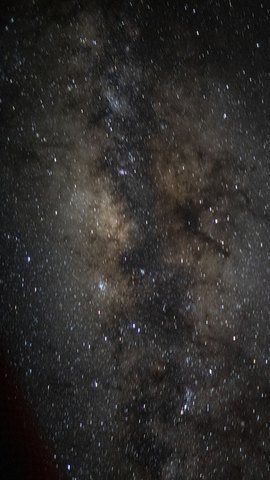
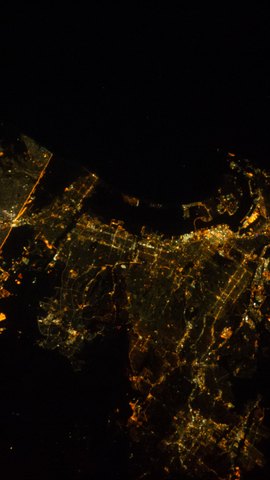
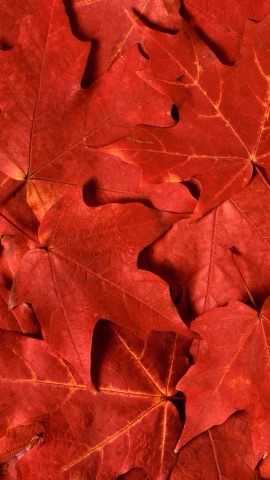
The Galaxy Z Flip8 has two screens: a 6.9" inner screen (1080×2520, about 397 ppi) and a 4.1" cover screen used while closed (948×1048, about 345 ppi). The inner screen is a tall phone screen, so a 9:16 wallpaper loses 171px on each side (24% of the width). The cover screen is nearly square, so the same wallpaper loses 484px at the top and bottom (38% of the height). This page collects wallpapers with little tonal variation, measured so the look survives any crop, and every wallpaper page previews the exact crop for both screens.
155 wallpapers
How our wallpapers crop on this device
| Screen | Wallpaper size | Cropped |
|---|---|---|
| Galaxy Z Flip8 inner (1080×2520) | 1080×1920 | 129px on each side (24% of the width) |
| 1440×2560 | 171px on each side (24% of the width) | |
| 1242×2688 | 45px on each side (7% of the width) | |
| Galaxy Z Flip8 outer (948×1048) | 1080×1920 | 363px top and bottom (38% of the height) |
| 1440×2560 | 484px top and bottom (38% of the height) | |
| 1242×2688 | 657px top and bottom (49% of the height) |
Open any wallpaper and use "See it on your device" to preview the exact crop for that image.
The inner screen works like a regular phone
The inner screen (1080×2520) is about 9:21, so a 9:16 wallpaper is scaled to the height and loses 171px on each side (24% of the width). With the subject in the middle, the impression does not change. Against the 2520px height, a 1080×1920 wallpaper is enlarged about 1.31×, so pick 1440×2560 for photos with fine detail. The clock sits at the top, so the "Clock stays readable" collection is a good companion for the lock screen.
How the cover screen crops
The cover screen (948×1048) is nearly square, so a 9:16 wallpaper loses 484px at the top and bottom (38% of the height). The clock and widgets sit on the cover screen, so wallpapers that work from their center alone (one subject, a calm background) look natural even after the crop.
How this list is selected (the measurement)
This list is built mechanically: wallpapers whose overall brightness varies little (a standard deviation under 45) and that come in 9:16, sorted by least variation first. Low variation means the impression barely changes wherever you cut. Galaxy lets you set separate wallpapers for the inner and cover screens in "Wallpaper & style" and adjust the crop position. To see the exact crop for any wallpaper, pick "Galaxy Z Flip8 inner" or "Galaxy Z Flip8 outer" in the device selector on its page.
Compared with other models
| Model | Cover screen | Inner screen |
|---|---|---|
| Pixel 11 Pro Fold | 6.5" 1080×2342 | 8" 2076×2152 |
| Pixel 10 Pro Fold | 6.4" 1080×2364 | 8" 2076×2152 |
| Galaxy Z Fold8 Ultra | 6.5" 1080×2520 | 8.0" 2256×2504 |
| Galaxy Z Fold8 | 5.5" 1248×1972 | 7.6" 1848×2448 |
| Galaxy Z Flip8 | 4.1" 948×1048 | 6.9" 1080×2520 |
| Galaxy Z Fold7 | 6.5" 1080×2520 | 8.0" 1968×2184 |
| Galaxy Z Flip7 | 4.1" 948×1048 | 6.9" 1080×2520 |
Frequently asked questions
What wallpaper size (resolution) does the Galaxy Z Flip8 use?
The inner screen is 1080×2520 pixels (6.9") and the cover screen is 948×1048 pixels (4.1"), held upright. For the inner screen, an image at least 1080px wide will not look blurry.
How much of a 9:16 wallpaper is cropped on the Galaxy Z Flip8's cover screen?
The cover screen (948×1048) is nearly square, so a 9:16 wallpaper loses 484px at the top and bottom (38% of the height). On the inner screen it loses 171px on each side (24% of the width).
Can I use different wallpapers on the inner and cover screens?
Yes. "Wallpaper & style" lets you pick an image for each screen. The cover screen is nearly square, so choose wallpapers with the subject in the middle; the inner screen is tall, so pick it like a regular phone wallpaper.
Wallpapers that fit this device (selected by measurement)